Why lots of visits do not mean lots of sales
When your Shopify dashboard shows healthy traffic but almost no orders, the first instinct is to raise the budget or change the design. That is a common mistake, because it treats the symptom, not the cause. A visit is only a sign of interest. Turning it into an order passes through a chain of decisions: is this the right visitor? Did they land on a page that answers their question? Did they understand the price and the final cost? Did they trust the store? Did they finish checkout without friction?
This guide gives you a calm diagnostic framework instead of guesswork. The core idea: do not fix anything before you know at which stage visitors drop off. Because every store differs in product, audience and market, we use clearly labelled hypothetical examples only, not real data or promised results.
Rule of thumb: if you cannot name the stage where the store loses the visitor, you do not know the problem yet, and you cannot measure the effect of any change.
Step 1: separate a traffic problem from a store problem
Before touching design or prices, ask: does this traffic come from a source that matches buying intent? Traffic from a broad awareness ad is completely different from search traffic for a specific product. If a large share of visits comes from people who were never interested, no product-page improvement will move the result much.
Signs the problem is traffic quality
- Very short sessions and a high bounce rate, especially on ad landing pages.
- Visits concentrate on pages unrelated to the advertised product.
- The ad promises something the visitor does not find on the landing page.
- The ad audience is much wider than the people who actually buy.
Signs the problem is inside the store
- Visitors browse several pages and spend reasonable time but do not add to cart.
- They add to cart, then leave without buying.
- They start checkout and stop at a specific step.
- You get WhatsApp messages asking for information that should already be clear on the page.
This split matters because it tells you where to spend effort. If the problem is traffic, start with targeting and the ad message; see Meta ads management and TikTok ads for a working framework. If it is inside the store, start with the page and checkout experience.
Diagnose the journey from ad to order
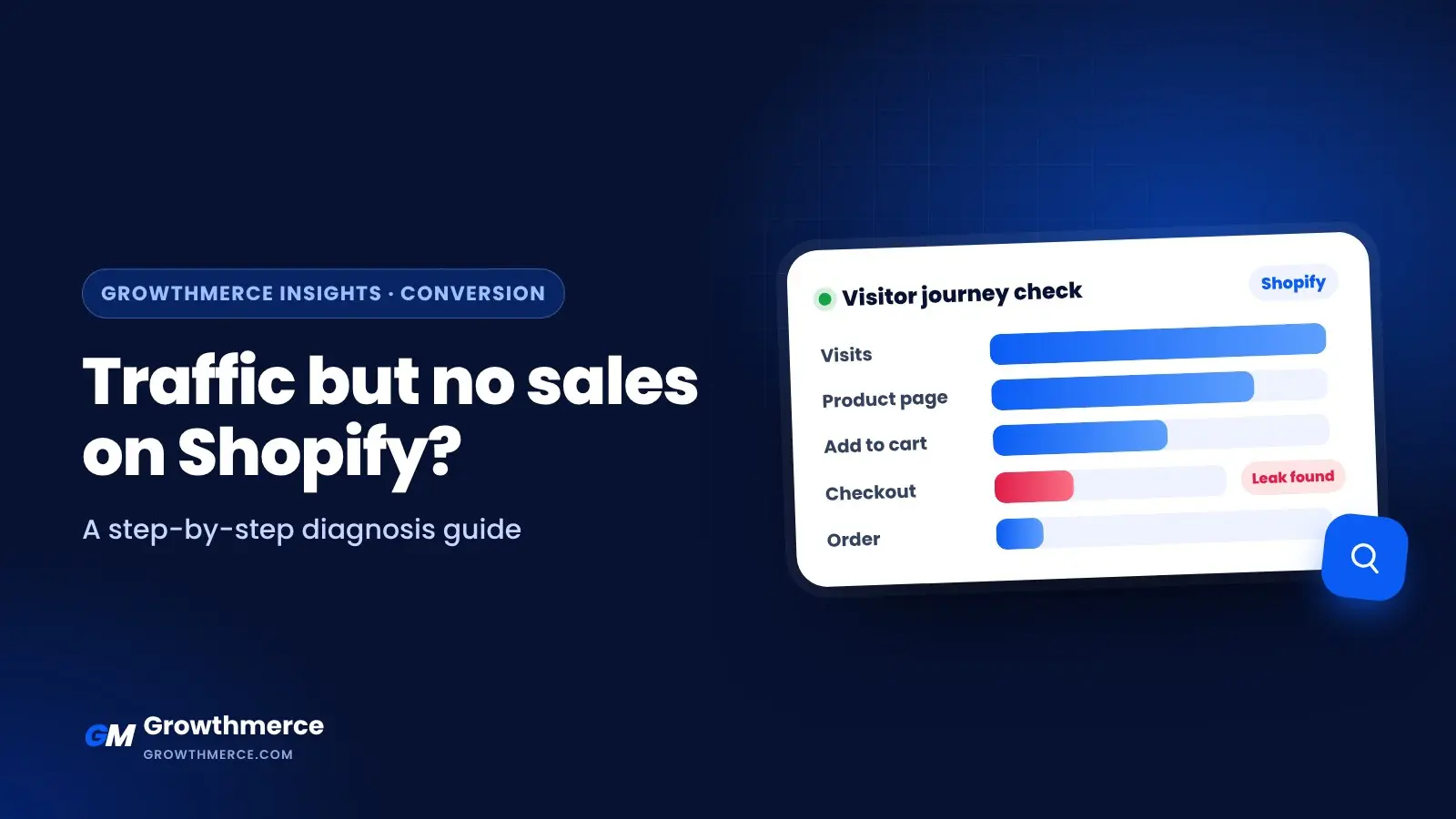
Split the journey into five stations and check each one on its own instead of looking only at the final number. This stops you from fixing a healthy stage while orders leak from another.
1) Message match between ad and page
Visitors arrive carrying a promise from the ad. If they find a different headline or a different product, they feel they are in the wrong place and leave. Make the main headline on the product page reflect the same idea and benefit shown in the ad.
2) Product page clarity
Visitors need fast answers: what is this product? Who is it for? What sizes or options exist? What is the final price? How do delivery and payment work? When will it arrive? If answers are scattered or vague, hesitation grows. Use the Shopify product page UX checklist as a detailed reference.
3) Trust
Trust is decisive, especially for new stores. Clear product photos, an understandable exchange policy, visible contact options and shipping details help visitors feel safe. You do not need exaggerated claims; clarity itself is a trust signal.
4) Cart and checkout
This is often where a large share of orders leaks. Shipping costs that appear late, too many steps or tiring form fields all push visitors to stop. See Shopify checkout optimization for cash on delivery, because the Egyptian context makes this stage different from other markets.
5) After the order
Sometimes orders exist but get cancelled or fail delivery, so the store looks like it has no sales. That is not only a conversion problem; it is an operations problem. See order confirmation and shipping automation to understand how this stage affects the final result.
A practical diagnostic checklist
Use this list in order. The goal is not to do every item, but to find the one that explains the biggest leak.
- Identify the source: split visits by channel (ads, search, social, direct) and compare each channel’s behavior.
- Check audience intent: is the ad reaching people who look for this product, or a general audience?
- Match the message: does the page headline reflect the ad’s promise?
- Review price clarity: are the final price and delivery clear before checkout?
- Test the page on mobile: are buttons clear and easy to tap? Is the text readable?
- Review checkout steps: count the steps and required fields, and remove anything unnecessary.
- Check trust signals: policies, contact, photos and shipping information.
- Watch abandoned carts: is there a repeated pattern in the products or steps where visitors stop?
- Review order quality: are orders being cancelled or failing? That changes how you read the numbers.
- Write down the hypothesis: note one likely cause per stage, then test one change at a time.
Common mistakes that make diagnosis harder
- Changing everything at once: you will not know which change helped and which hurt.
- Judging from one number: a low conversion rate can be normal for an awareness channel and a disaster for a search channel.
- Ignoring mobile: most visits come from phones, and the phone experience is very different from desktop.
- Mixing visits, orders and delivered orders: each stage has its own metric and must be measured separately.
- Assuming price is always the problem: sometimes the price is fine, and trust or clarity is the real blocker.
A hypothetical example of the thinking
Imagine a store selling home products that gets traffic from a broad-audience ad. Visitors stay very briefly and bounce a lot, but those who reach one specific product page browse and add to cart at a reasonable rate. The logical diagnosis is that part of the traffic is the wrong fit, not that the product page is bad. The first action is to review targeting and the ad message, not to redesign the whole store. This is an illustration only, not a guaranteed result.
Another example: a store with reasonable traffic where visitors add to cart, but most stop at checkout. Here the focus moves to checkout steps, visible costs and contact options, not to the ads. The difference between the two examples is the stage where visitors leak.
When to ask for outside help
If you have reviewed the sources, the page and checkout and still see no clear pattern, or your data is spread across tools that do not talk to each other, the diagnosis needs a structured approach. A specialist team can build a clear picture of the whole journey, from ad to delivered order, instead of reading each number in isolation. Start with our conversion rate optimization service or book a free 30-minute call to discuss your store and agree on what to fix first.
Bottom line: traffic without sales is not a verdict on your store; it is a diagnostic question. Separate traffic from the store, check each stage on its own, test one change at a time and record what you learn. That turns frustration into a clear, doable task list.