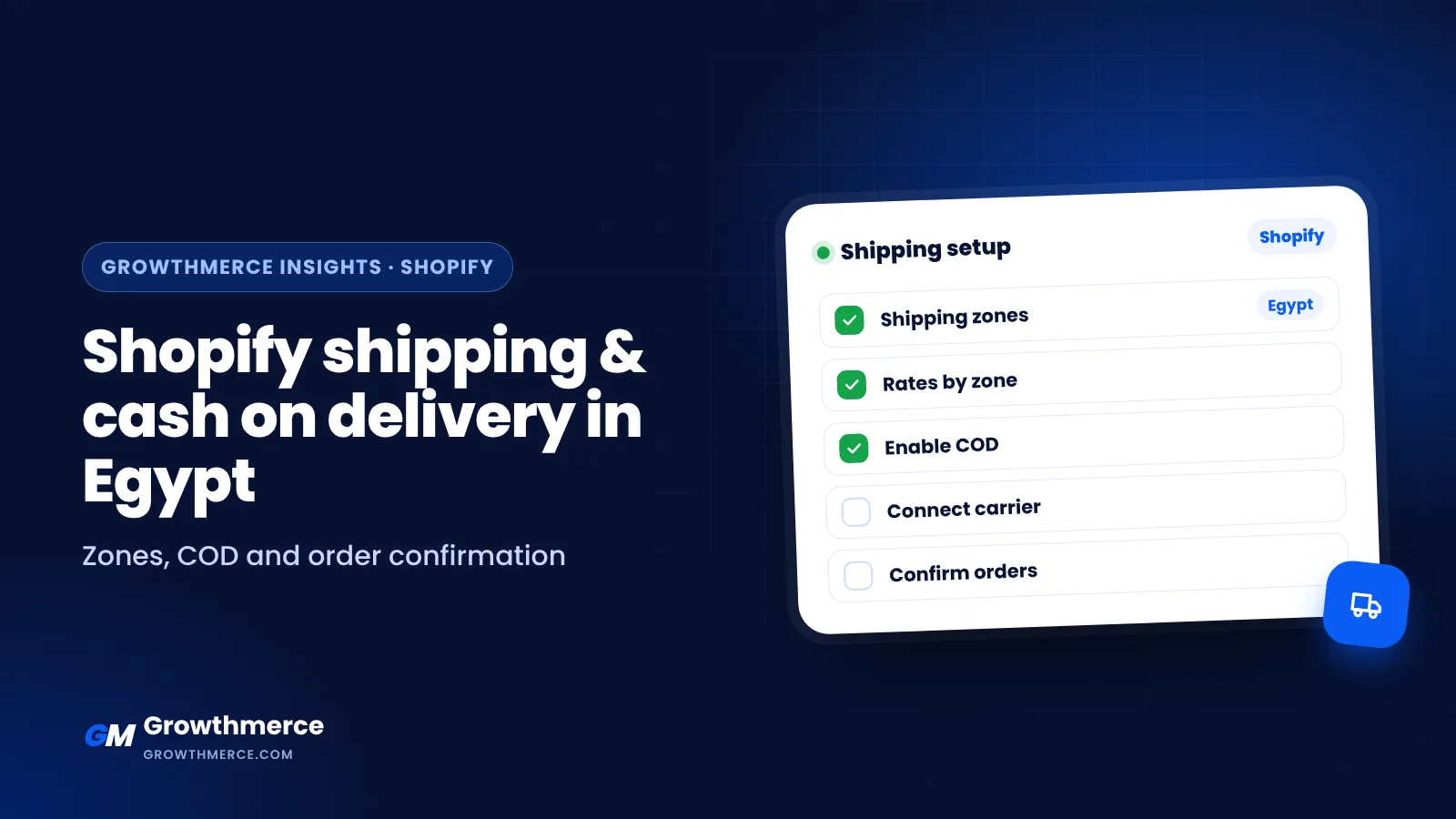
In Egypt, a large share of online orders is still paid with cash on delivery. Getting shipping and COD right on Shopify directly affects profit: wrong rates eat margin, and unconfirmed orders get refused. Here is the full setup. Growthmerce sets this up as part of every Shopify store we build.
Step 1: Set up shipping zones
In Settings → Shipping and delivery, create a shipping profile for Egypt. Group governorates into zones based on your carrier’s prices, for example:
- Cairo and Giza
- Alexandria and Delta
- Upper Egypt
- Remote areas
Check coverage: some carriers do not serve every area. For example, Bosta has been reported not to cover Sinai and the Oases, so you may need a second carrier for those regions.
Step 2: Set rates that protect your margin
- Use flat rates per zone, or free shipping above an order value
- Include packaging and COD collection fees in your math
- Show delivery time clearly at checkout
Step 3: Turn on cash on delivery
In Settings → Payments → Manual payment methods, enable Cash on Delivery (COD). Add a short note, such as delivery time and that the customer should keep the cash ready. Shopify Payments is not available in Egypt, so add an online gateway such as Paymob or Kashier for customers who want to pay by card or wallet. See payment gateways in Egypt.
Step 4: Connect a shipping company
Connect a carrier through its Shopify app or integration so shipments, tracking numbers and status updates flow automatically. Options in Egypt include Bosta, Aramex, Mylerz, J&T and others. Compare them in best shipping companies for online stores in Egypt.
Step 5: Confirm orders before shipping
Unconfirmed COD orders are the biggest source of refusals. Set up:
- An automatic WhatsApp or SMS confirmation after each order
- A short call for high-value or suspicious orders
- Tags in Shopify for confirmed, cancelled and no-answer orders
Read Shopify order automation for confirmation and shipping and WhatsApp confirmation scripts.
Step 6: Optimize checkout for COD
- Ask only for the fields you need
- Make the address fields clear for Egyptian addresses
- Show the total including shipping early to avoid surprises
See Shopify checkout optimization for cash on delivery.
Step 7: Measure delivery, not just orders
Track confirmation rate, delivery rate and cash collected per campaign. This tells you which ads bring real buyers. See how to connect marketing performance with shipping and collected cash.
Every refused order costs you shipping both ways and wasted ad spend. Raising delivery from 70 to 80 out of 100 can matter more than cheaper ads.
Shipping zone template for Egypt
| Zone | Example governorates | Typical delivery note |
|---|---|---|
| Zone 1 | Cairo, Giza | Fastest delivery |
| Zone 2 | Alexandria, Delta cities | Short delay |
| Zone 3 | Canal cities, Upper Egypt | Longer delivery |
| Zone 4 | Remote areas | Check carrier coverage |
Set rates per zone from your carrier’s price list.
Order confirmation message (example)
“Hi [name], thanks for your order from [store] 🌿 Your order: [product] – total EGP [amount] including shipping. Delivery in [X] days. Reply 1 to confirm or 2 to change anything.”
Keep it short, clear and in natural Arabic for Egyptian customers.
Other ways people search for this
Cash on delivery Shopify Egypt
Enable COD in Settings, Payments, Manual payment methods.
Shopify shipping companies in Egypt
Compare the best shipping companies for online stores.
Bosta Shopify integration
Bosta offers a Shopify integration for automatic shipments and tracking.
Free shipping on Shopify
Set free shipping above an order value, just above your current average order.
Get it set up right
Growthmerce configures shipping, COD, confirmation flows and tracking so your ads are judged by delivered orders. See packages or book a free call.