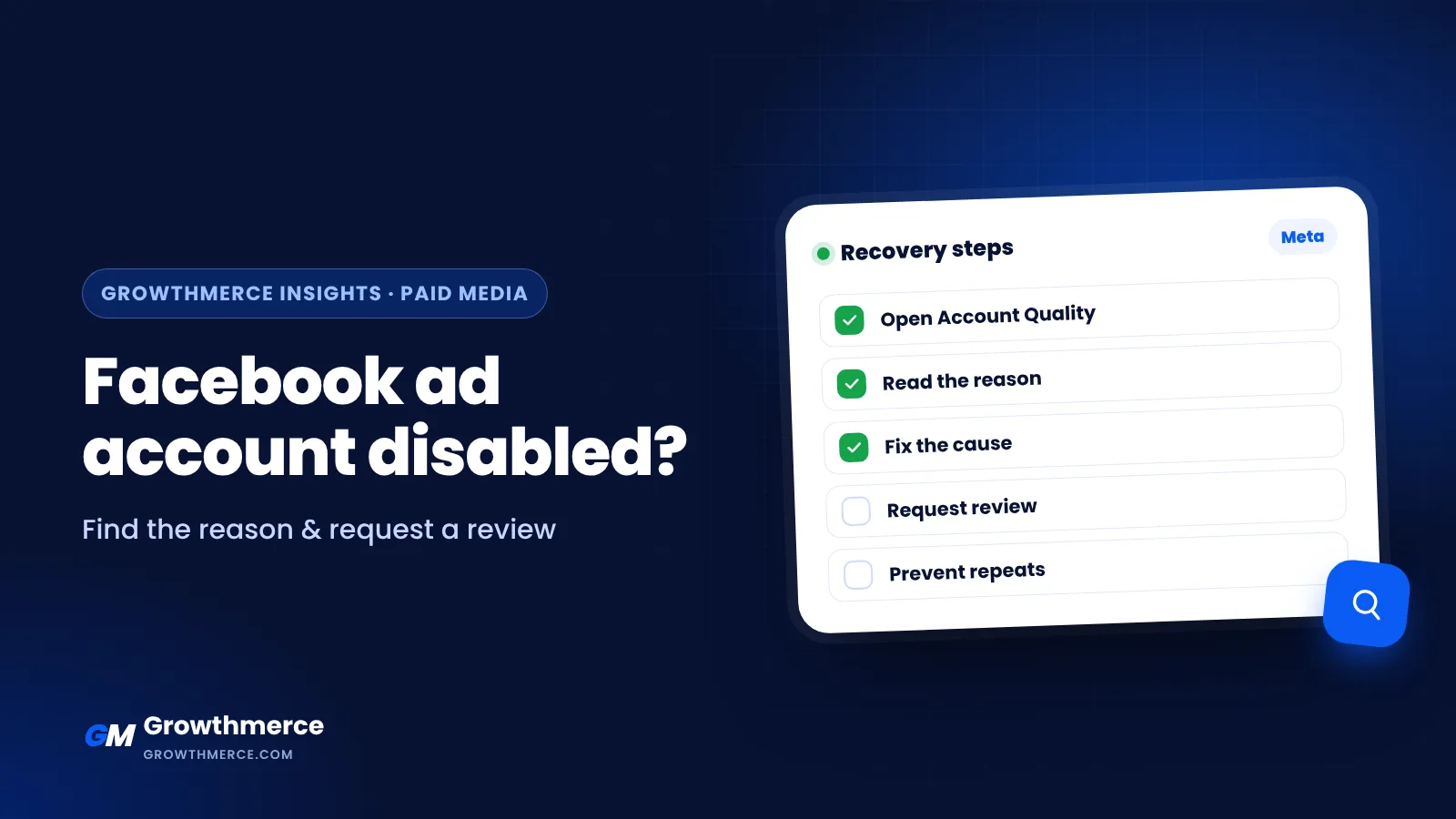
Short answer: Meta disables ad accounts mostly for four reasons: payment problems, security or suspicious activity, advertising policy violations and unverified or risky business setups. The official path is to open Account Quality in Meta Business Suite, read the reason, fix what caused it, and click Request review, often with identity confirmation. Do not create new accounts to get around a restriction, because Meta treats that as circumvention and can restrict the whole business. Growthmerce audits and sets up Meta ad accounts for stores in Egypt and the Gulf so they stay stable. See Meta ads.
Why ad account health matters for every store
A disabled ad account can stop sales overnight, especially for stores that rely heavily on Meta. Most restrictions come from policy issues, payment problems or suspicious activity, so a simple prevention routine protects your business more than any appeal.
Step 1: Find the real reason
- Open Meta Business Suite and go to Account Quality (business.facebook.com/accountquality)
- Select the disabled ad account and read the issue shown
- Check whether the restriction is on the ad account, the Business portfolio or your personal profile: each has its own review
| Restricted asset | What it means |
|---|---|
| Ad account | That account cannot run ads |
| Business portfolio | All ad accounts in the portfolio may be blocked |
| Personal profile | You cannot manage ads anywhere until it is resolved |
Step 2: Fix the cause before you appeal
| Cause | Fix first |
|---|---|
| Unpaid balance or failed card | Pay the balance, use a card in the business owner’s name |
| Hacked or suspicious login | Secure the profile, change passwords, turn on two-factor authentication, remove unknown admins |
| Ad or landing page policy | Remove the violating ads; fix claims, before/after images, misleading prices |
| New or unverified business | Complete business verification and add accurate business details |
Read Meta’s Advertising Standards for the full rules.
Step 3: Request a review
- In Account Quality, click Request review
- Confirm your identity if asked (selfie video or ID through Meta’s own flow)
- Explain briefly and honestly what happened and what you fixed
- Wait for the decision; you will see it in Account Quality and by notification
Use only Meta’s official tools. Do not pay anyone who claims “guaranteed unban” or asks for your login.
If the review is rejected
- Read the final reason carefully; some decisions are permanent
- Make sure the Business portfolio and your profile are in good standing
- Rebuild on a properly verified business with clean pages and policies, not a bought or rented account
- Fix your offer and landing page so the same issue does not repeat
How to prevent it
- Two-factor authentication for every admin
- Business verification completed early
- One payment method in the business name, with enough balance
- Clean landing pages: clear prices, return policy, contact details, no exaggerated claims. Read how to improve landing page conversion rate
- Gradual budget increases instead of 10x jumps. Read how to scale winning Meta ads
- Sensitive categories (supplements, weight loss, cosmetics claims) need extra care. Read supplements marketing in Egypt
Common mistakes
- Opening new accounts right after a ban
- Using a borrowed card or someone else’s profile
- Appealing before removing the ads that caused the problem
- Giving login access to “unban services”
Other ways people search for this
Facebook ad account restricted how to fix
Open Account Quality, fix the cause, then request a review.
How long does a Facebook ad account review take?
It varies from hours to several days; you will see the result in Account Quality.
Facebook ad account disabled for unusual activity
Secure your profile with two-factor authentication, remove unknown admins, then request a review.
30-day account health routine
| Week | Focus |
|---|---|
| 1 | Enable two-factor authentication for all admins; remove unused users |
| 2 | Review landing pages, claims and creatives against ad policies |
| 3 | Verify the business and keep payment methods valid and consistent |
| 4 | Set a backup plan: a second admin and diversified channels |
Backup plan checklist
- At least two trusted admins on the Business Manager
- Customer lists and pixel data backed up
- A second ad channel already tested, such as TikTok or Google
- WhatsApp and email lists to reach customers directly
- Saved creatives and landing pages ready to relaunch
How Growthmerce helps
We audit ad accounts for policy and security risks, fix landing page issues, guide review requests and build multi-channel setups so one restriction does not stop your sales.
Next step
Want your Meta ad accounts audited and set up the right way? Book a free call.