Skip to content
GrowthmerceDigital Marketing · E-commerce · Growth
Free · Excel · Google Sheets

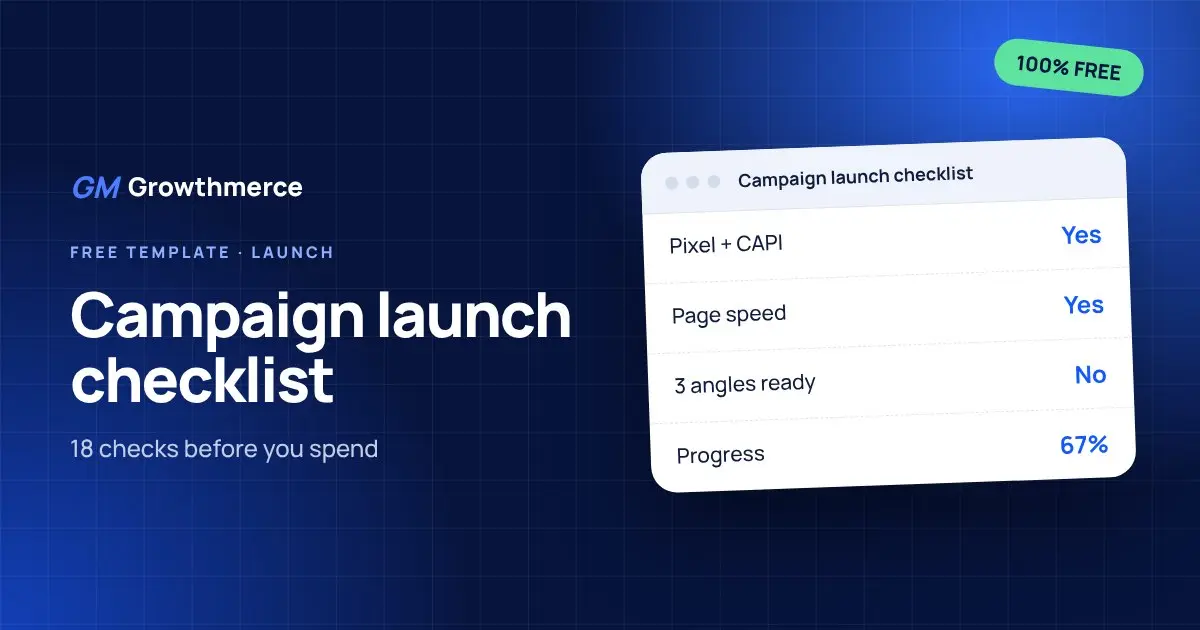
Campaign launch checklist

18 checks across offer, tracking, page, creative, campaign setup, operations and reporting before you spend a single pound.

  • 18 checks in 7 areas
  • Tracking, page and creative checks
  • Kill and scale rules
  • Progress bar that fills as you go
Campaign launch checklist

Get it free

You are

Your details stay with us. We never sell them.

More free files

Full kit

E-commerce starter kit: all 5 files in one download

The daily ads tracker, COD profit calculator, budget by margin sheet, 30-day content calendar and campaign launch checklist together in one ZIP file.

What is inside
  • All 5 Excel files in one ZIP
  • Track ads, profit, budget, content and launches
  • Worked examples in every file

Best for: Anyone who wants the full system in one step

Free · Excel · Google Sheets
Ads

Daily ads tracker for COD stores

Track spend, orders, confirmed and delivered orders, cost per delivered order and real ROAS every day, with totals for the month.

What is inside
  • 31 days ready to fill
  • Cost per order and cost per delivered order
  • Confirmation and delivery rates

Best for: Store owners and media buyers running COD campaigns

Free · Excel · Google Sheets
Profit

Profit per order calculator (COD)

Enter price, costs, shipping, return cost and delivery rate to see your real profit per order, break-even ad cost and break-even ROAS.

What is inside
  • Profit per delivered and per shipped order
  • Loss on refused orders included
  • Break-even ad cost per order

Best for: Anyone pricing a product or setting an ad target

Free · Excel · Google Sheets
Budget

Ad budget by product margin

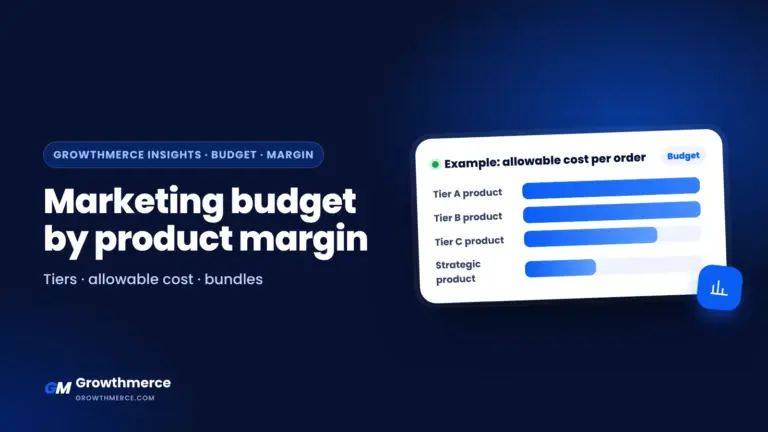
Sort products into margin tiers, get the allowable ad cost per delivered order for each and a maximum monthly budget.

What is inside
  • Margin per product, calculated
  • Automatic A, B, C, D tiers
  • Allowable ad cost per delivered order

Best for: Stores with many products and different margins

Free · Excel · Google Sheets
Content

30-day content calendar

Plan a month of posts, reels and UGC by platform, goal, angle, hook and call to action, with status tracking.

What is inside
  • 30 days with dates that update
  • Platform, format and goal drop-downs
  • Angle, hook and CTA per post

Best for: Brands, content creators and social media teams

Free · Excel · Google Sheets
Your file in under a minute

  1. 1

    Pick a file

    See what is inside and choose the one that solves your problem now.

  2. 2

    Add your details

    Name, email and number, and agree to receive new files and tips.

  3. 3

    Download and use

    The download starts right away and the link lands in your inbox too.

  4. 4

    Want a second pair of eyes?

    Book a free 30-minute call and we read your numbers together.

Who these files are for

Store and brand owners

Know your real profit and decide with numbers.

Media buyers

Track cost per delivered order, not likes.

Freelancers

Give clients proper reports and plans.

Agencies and teams

One language for numbers across team and client.

The same way we work with our clients

283+brands we worked with since 2024
EGP 4B+sales for stores we managed since 2024
4 marketsEgypt, Kuwait, UAE and the US
Book a free review

The file shows you the numbers. We show you what to do with them.

In a free 30-minute call we review your store, ads and numbers and give you the 3 most important things to do this week.

  • Quick review of your store and ads
  • Cost per delivered order and profit worked out
  • A clear action plan, no commitment
01Are these files really free?
Yes, 100% free. Add your name, email and number, agree to receive emails, and the download starts right away.
02Do they work in Google Sheets?
Yes. Upload the file to Google Drive and choose Open with Google Sheets. The formulas keep working.
03How do I calculate real ROAS for a COD store?
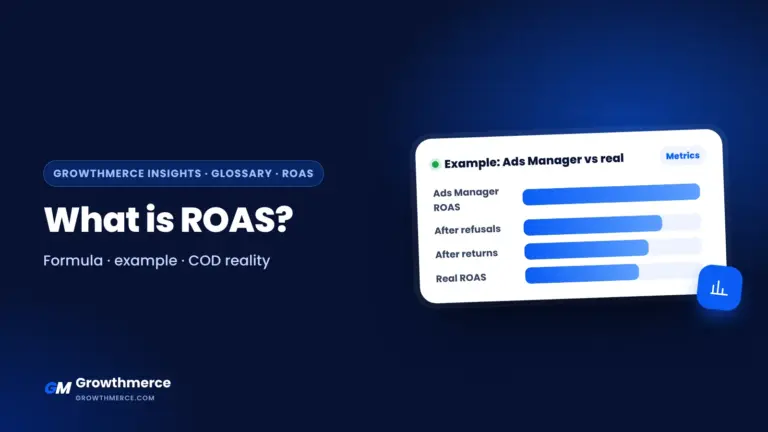
Divide delivered and collected revenue by ad spend, not the revenue in Ads Manager. The daily ads tracker does it for you.
04What is break-even ROAS?
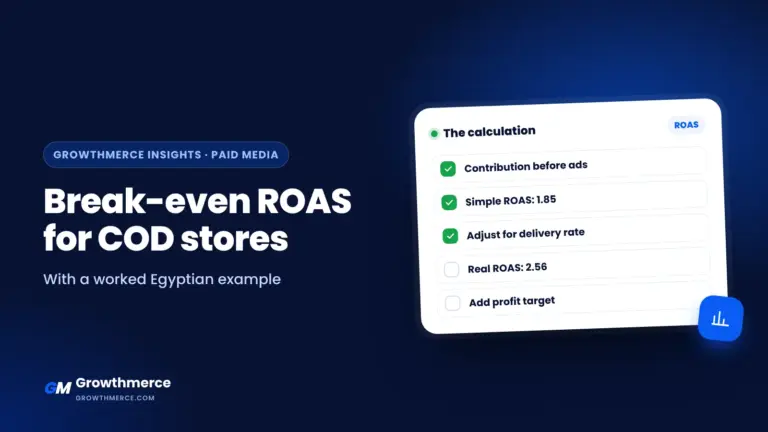
The ROAS where you neither profit nor lose after product, shipping and return costs. The profit calculator shows it in one cell.
05How should I split an ad budget across many products?
By each product margin. The budget sheet sorts products into tiers and calculates the allowable ad cost and maximum budget for each.
06I have a new store. Which file should I start with?
Start with the profit calculator to know your maximum ad cost, then the launch checklist, then the daily tracker.
07Will you send me lots of emails?
No. We send new files and tips when they are ready, and you can unsubscribe from any email.
08Is my data safe?
Your details stay with us. We never sell or share them.
09Can I use the files with my clients?
Yes, use them in your work and with your clients.
10Can someone apply this to my store with me?
Book a free 30-minute call. We review your numbers and tell you what to do this week.
Growthmerce team · Online Need help growing your brand?

Tell us what you’re working on and our team will guide you to the right next step.

Chat on WhatsApp →