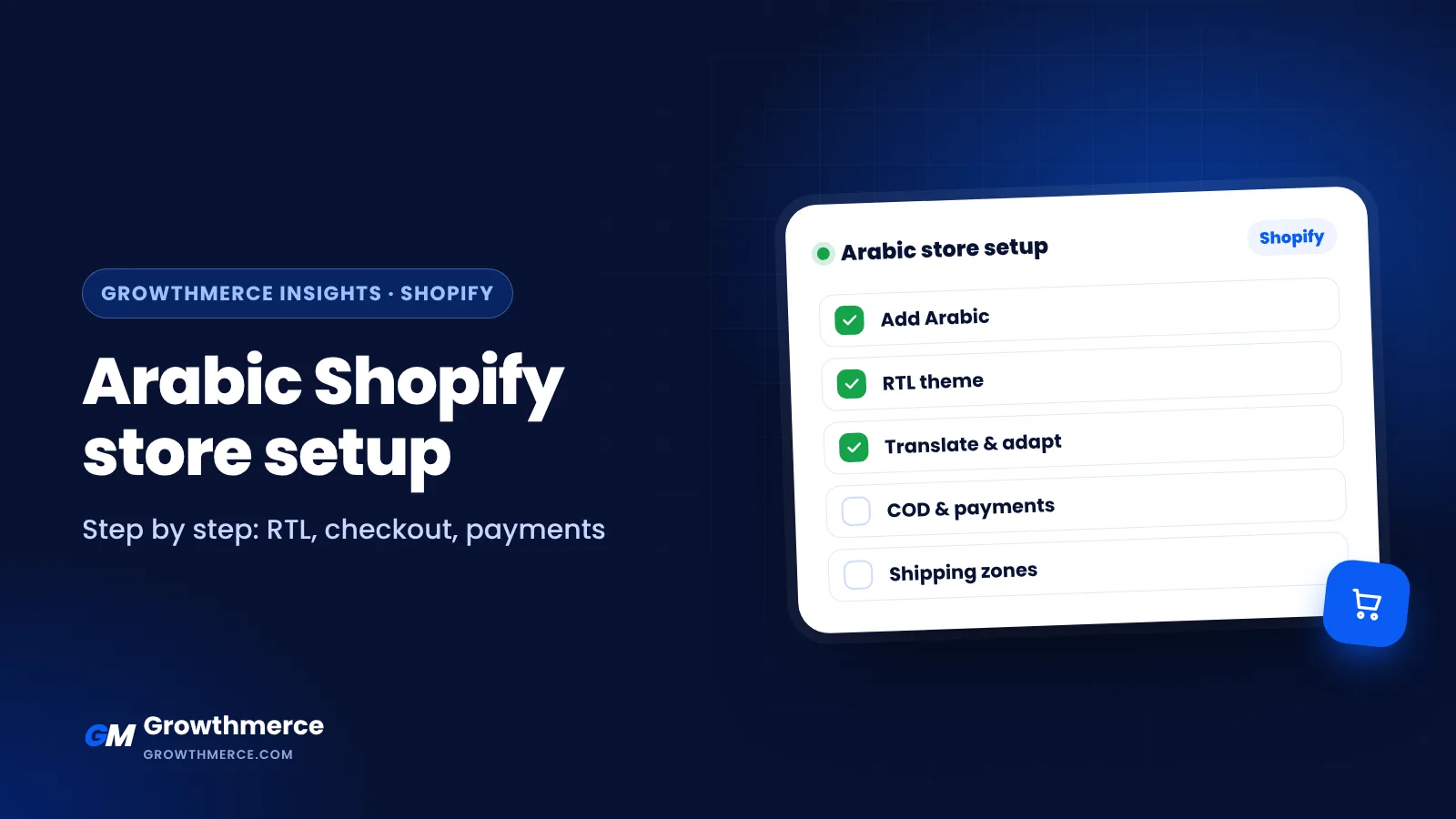
Most customers in Egypt and the Gulf prefer to shop in Arabic. A store that only works in English, or shows broken right-to-left layouts, loses trust and sales. This guide walks you through building a proper Arabic Shopify store. If you prefer it done for you, Growthmerce builds bilingual Shopify stores. See Shopify development.
Step 1: Choose your plan and set the market
Pick a Shopify plan that fits your stage (see Shopify pricing in Egypt). In Settings → Markets, set your main market (for example Egypt) and add others such as Saudi Arabia, the UAE or Kuwait if you sell there.
Step 2: Add Arabic as a store language
In Settings → Languages, add Arabic. You can make Arabic the default language or offer it alongside English with a language switcher. Shopify then serves Arabic pages on their own URLs, which also helps SEO.
Step 3: Pick a theme that supports right-to-left
Not every theme handles Arabic well. Before buying, open the theme demo and test it in Arabic:
- Menus, product grids and sliders flip correctly
- Icons and arrows point the right way
- Arabic fonts are clear on mobile
- Checkout and cart look right
See best Shopify themes for Arabic stores.
Step 4: Translate and adapt the content
- Use Shopify’s Translate & Adapt app to translate products, collections, pages and theme text
- Write product descriptions in natural Arabic, not machine translation word for word
- Translate SEO titles, meta descriptions and image alt text
- Adapt sizes, currencies and examples to the local market
Step 5: Set up an Arabic checkout and local payments
Shopify’s checkout is available in Arabic once the language is enabled. For payments in Egypt, Shopify Payments is not available, so stores use local gateways such as Paymob or Kashier, plus cash on delivery. See payment gateways in Egypt.
Step 6: Configure cash on delivery and shipping
Add cash on delivery as a manual payment method, set shipping zones and rates per governorate, and connect a shipping company such as Bosta for automatic shipments. Read Shopify shipping and cash on delivery in Egypt.
Step 7: Add trust and conversion details
- Clear return policy and delivery times in Arabic
- WhatsApp contact button
- Reviews and real product photos
- Fast mobile pages. See Shopify mobile speed
Step 8: Set up tracking before ads
Install the Meta Pixel and Conversions API, TikTok Pixel and GA4 so your ads learn from real purchases.
Launch checklist
- Test a full order in Arabic on mobile
- Check every page in both languages
- Confirm emails and SMS notifications are in Arabic
- Submit the sitemap to Google Search Console
Arabic store mistakes to avoid
| Mistake | What to do instead |
|---|---|
| Machine-translated product pages | Write natural Arabic copy for each product |
| Arrows and sliders pointing the wrong way | Test every section in RTL on mobile |
| English-only checkout notes and emails | Translate notifications and checkout text |
| Prices without clear currency | Show EGP, SAR, KWD or AED clearly |
| Mixed fonts | One Arabic font and one English font, consistent sizes |
Arabic and English SEO on Shopify
- Each language gets its own URL, so translate titles, descriptions and handles where possible
- Use hreflang (Shopify handles it for enabled languages)
- Write Arabic keywords people actually search, such as “متجر” (store), “سعر” (price), “توصيل” (delivery)
- Read keyword research for Arabic and English search
Other ways people search for this
How to make Shopify in Arabic
Add Arabic in Settings, Languages, then translate content with Translate & Adapt and use an RTL-ready theme.
Shopify RTL theme
Test the theme demo in Arabic. See best Shopify themes for Arabic stores.
Shopify store for Saudi Arabia, Kuwait or the UAE
Add each country in Markets, set currencies and local payments, and adapt content to the Gulf audience.
Arabic Shopify store design company
See the best Shopify companies in Egypt.
Want an Arabic Shopify store built for you?
Growthmerce designs and builds Arabic and bilingual Shopify stores with local payments, cash on delivery, shipping integrations and tracking ready for ads. See packages or book a free call.